
Dealau offers an Android app through Google Play, promoted as its highest win-rate application, while iPhone and iPad users play through the mobile browser with no download needed. Either way you get the full Dealau casino in AUD: the pokies, live games, sports, mini games, the cashier from AUD 10 and every bonus. You log in with your mobile number and an SMS code, and live chat support runs 24/7. This page explains how to install the Android app, how to play on iOS and what the mobile version includes.
Because the iOS version is browser-based, there is nothing to install on iPhone, and you always use the current version. The Android app is downloaded from Google Play. A quick overview is below.
| Feature | Details |
|---|---|
| Android | App on Google Play |
| iOS | Mobile browser (Safari, Chrome) |
| Home-screen shortcut | Available on iOS and Android |
| Games | Pokies, live, sports, mini games — same as desktop |
| Cashier | Deposit from AUD 10, withdraw from AUD 50 |
| Login | Mobile number and SMS verification |
| Currency | Australian dollars (AUD) |
| Support | 24/7 live chat |
Dealau app for Android
On Android, Dealau casino provides a dedicated app that you download from Google Play. The app gives you the full lobby and cashier in one place, with quick access from your home screen.
- Open the Download Apps link on the Dealau site or the Google Play badge.
- Tap Install on the Google Play listing.
- Open the app once it has installed.
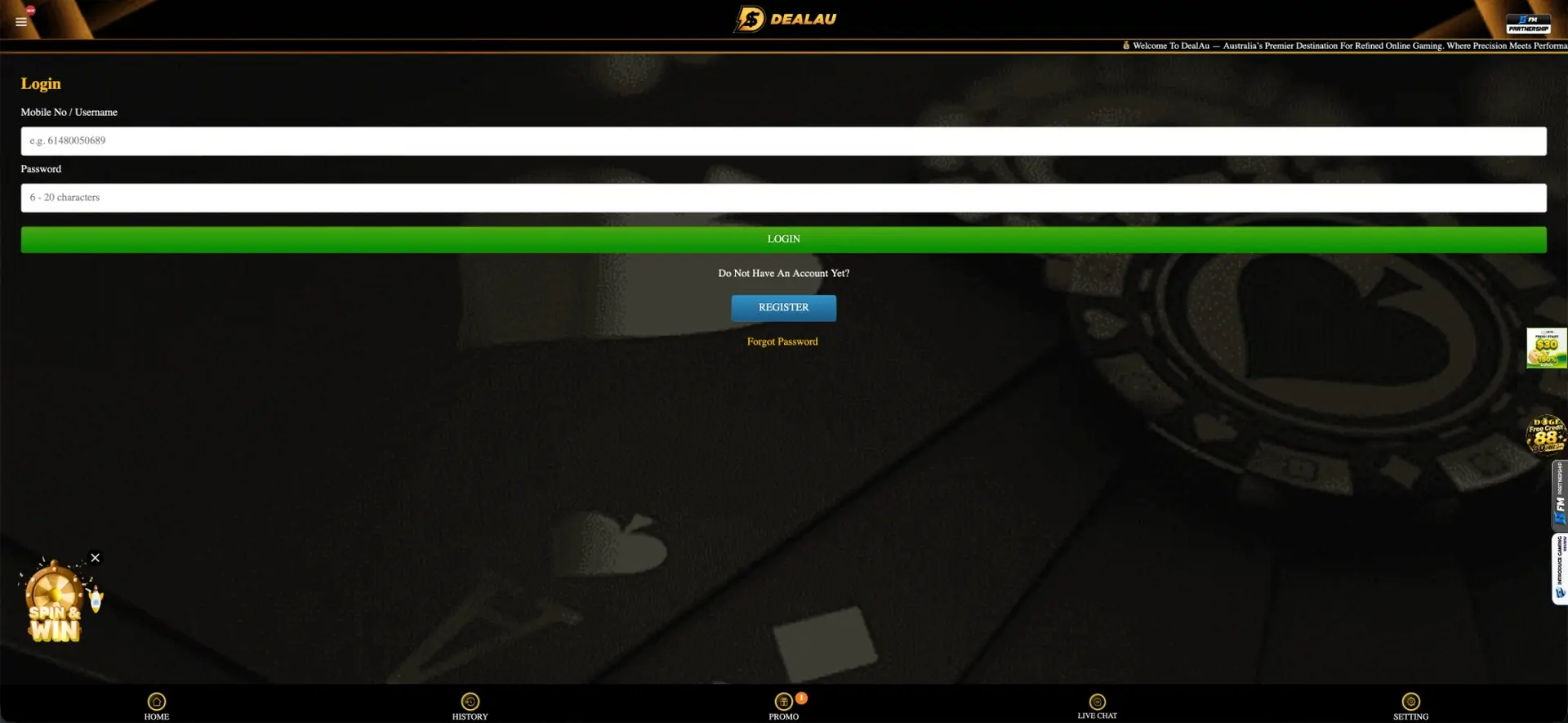
- Log in with your mobile number and password, or register if you are new.
Dealau on iPhone and iOS
On iPhone and iPad there is no separate app; you play Dealau online through the mobile browser, which carries all the same features. Adding a home-screen shortcut makes it open like an app.
- Open the Dealau site in Safari.
- Tap the share icon at the bottom of the screen.
- Choose Add to Home Screen.
- Confirm the name and tap Add; the icon appears on your home screen.
Features in the app
The mobile version of Dealau matches the desktop site, so every core area is available on the go:
- Pokies: Aristocrat, JILI and other studios in the Slot section.
- Live and sports: live tables and match betting.
- Cashier: deposits from AUD 10 and withdrawals from AUD 50.
- Bonuses: welcome offers, free credit, daily and weekly extras.
- VIP: your tier, monthly and birthday rewards.
Registering and logging in on the app
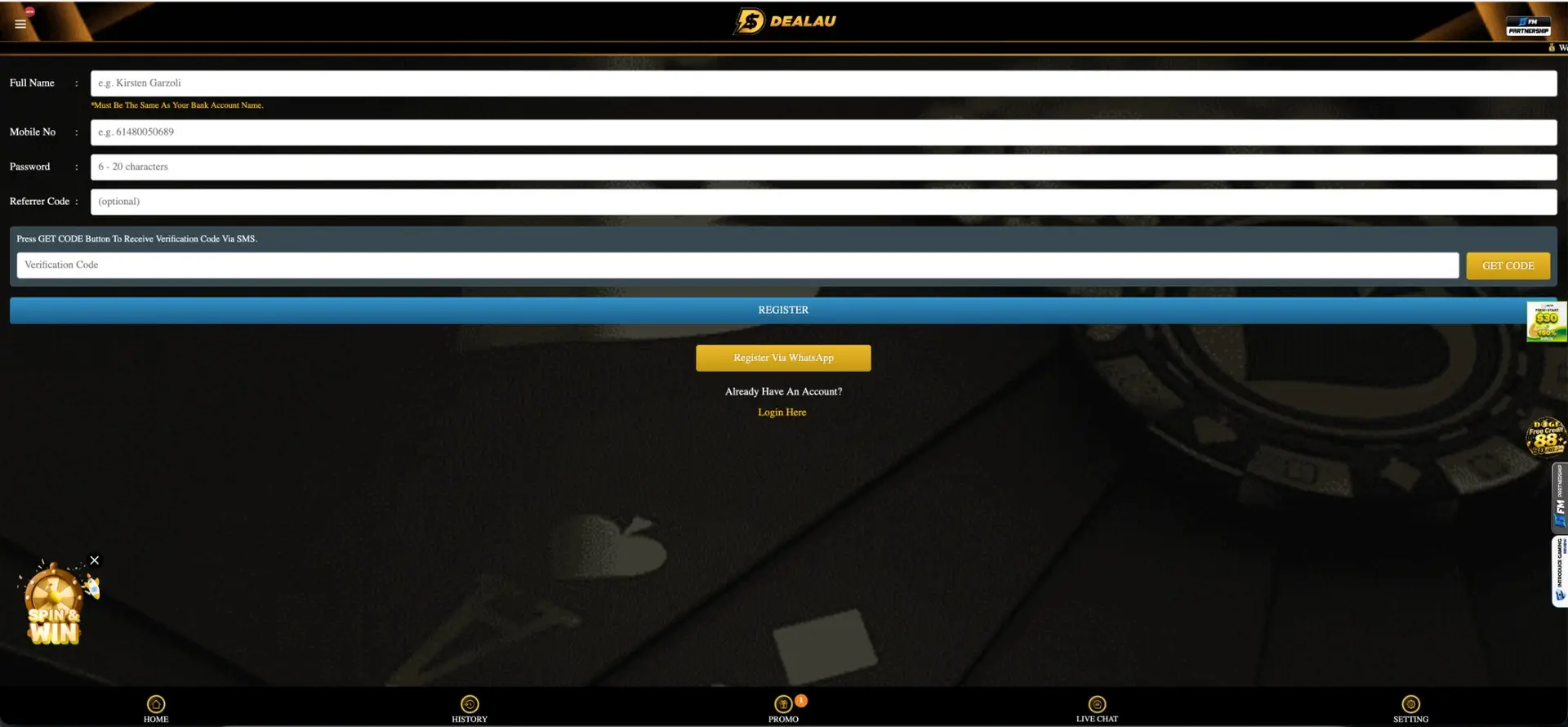
You can create an account directly from the app or browser using your mobile number. Registration asks for your full name (matching your bank account name), your mobile number and a password, and confirms your number with an SMS code. After that, you log in with the same mobile number and password.
Banking on the app
The full cashier is available on mobile, so you can deposit and withdraw in AUD without switching to a computer. Deposits start from AUD 10 and withdrawals from AUD 50, managed through the deposit and withdraw buttons in your account. Remember that your account name must match your bank account name when you withdraw.
App performance
The mobile version is built to run smoothly on both recent and simpler devices. The main points for performance are:
- The lobby and pokie sections load without a separate install on iOS.
- Live tables stream in real time; a stable connection keeps play smooth.
- The cashier is reachable directly, so you can top up or withdraw on the go.
- The layout adapts to your screen size automatically.

Security
The app and mobile site use the same secured connection as the desktop version, and Dealau lists security partners iovation and ThreatMetrix. Only download the Android app from the official Google Play link, use a strong password and log out on shared devices to keep your account safe.
Tips for Australian players
To get the most from the mobile version, the following points help:
- Add a home-screen shortcut on iPhone for one-tap access.
- Play on Wi-Fi or a strong connection when streaming live tables.
- Claim the Download Apps free credit when you install the Android app.
- Make sure your account name matches your bank account name before withdrawing.
Frequently asked questions about the Dealau app
Below are the questions players ask most often about Dealau on mobile.
Is there a Dealau app to download?
Yes. There is an Android app on Google Play. On iPhone and iPad, you play through the mobile browser, which has the same features.
How do I install the Dealau Android app?
Open the Download Apps link or the Google Play badge on the Dealau site, tap Install, then open the app and log in with your mobile number.
Can I play on iPhone?
Yes. iPhone users play Dealau through the mobile browser and can add a home-screen shortcut so it opens like an app.
Can I deposit and withdraw on the app?
Yes. The full cashier in AUD is available on mobile. Deposits start from AUD 10 and withdrawals from AUD 50.
Do I get a bonus for downloading the app?
Yes. Dealau offers a Download Apps free-credit bonus that you can claim when you install the Android app.
Is the app safe to use?
The app uses a secured connection and Dealau lists security partners iovation and ThreatMetrix. Download only from the official Google Play link and use a strong password.