
Logging in to Dealau is done with your mobile number or username and your password, on the website, the Android app or the mobile browser. Once you are signed in you can see your AUD balance, use the deposit and withdraw buttons, claim bonuses, track your VIP tier and open the pokies, live games and sports. This page explains how to log in to Dealau, how to reset a forgotten password, how to sign in on mobile and how to fix the most common login problems.
Dealau login runs over a secured connection, and your account is tied to the mobile number you used at registration. Remember that your account name is linked to your bank account name, which matters when you withdraw. The key login details are summarised below.
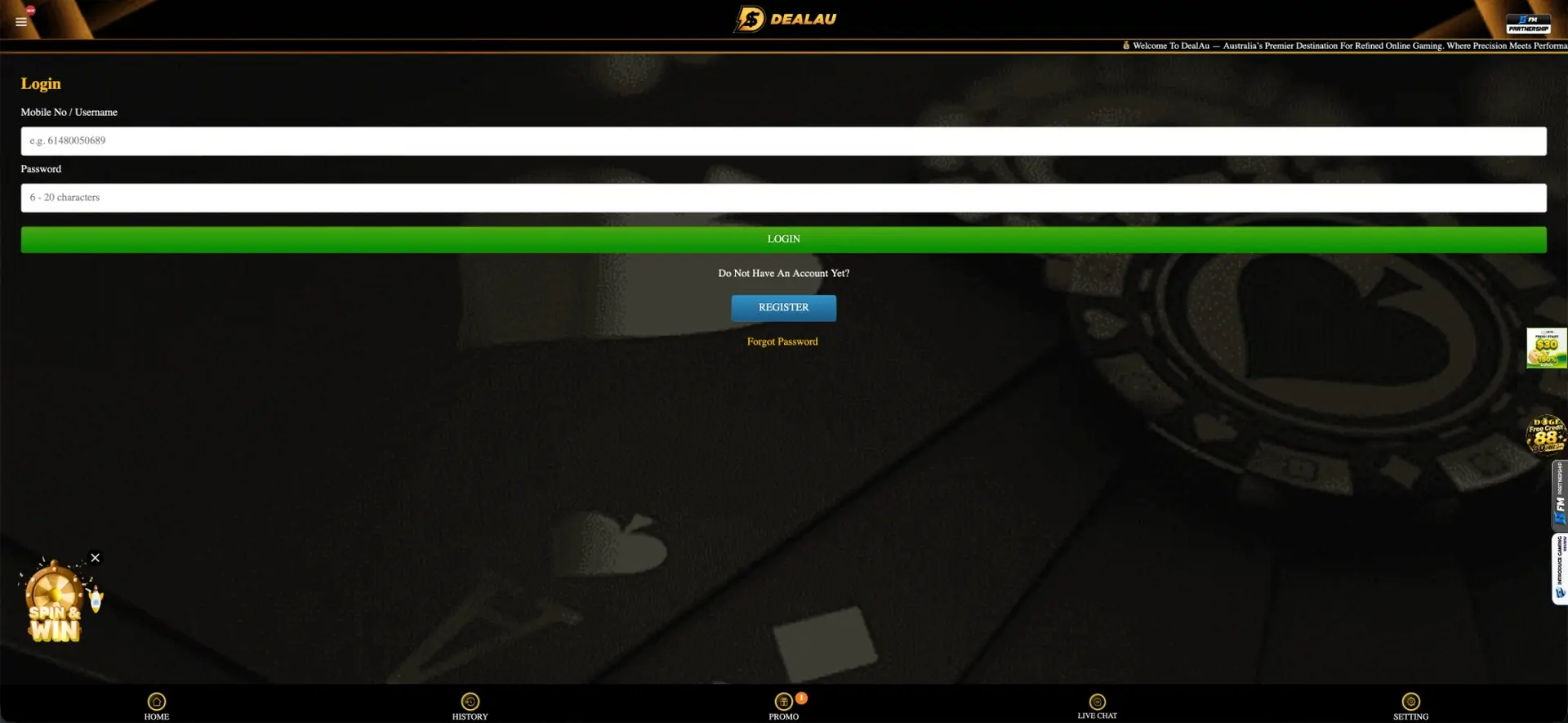
| Login | Details |
|---|---|
| Where to log in | Login button on the site or app |
| Login credential | Mobile number or username and password |
| Password length | 6–20 characters |
| Password reset | Via Forgot Password on the login screen |
| Devices | Website, Android app and mobile browser |
| Support | 24/7 live chat |
How to log in to Dealau
Signing in to Dealau takes a few seconds and works the same across devices. Use the mobile number or username and password you set at registration.
- Open the Dealau website or app.
- Tap the Login button.
- Enter your mobile number or username.
- Enter your password of 6–20 characters.
- Tap Login and wait for your account to load.
No account yet? Register at Dealau
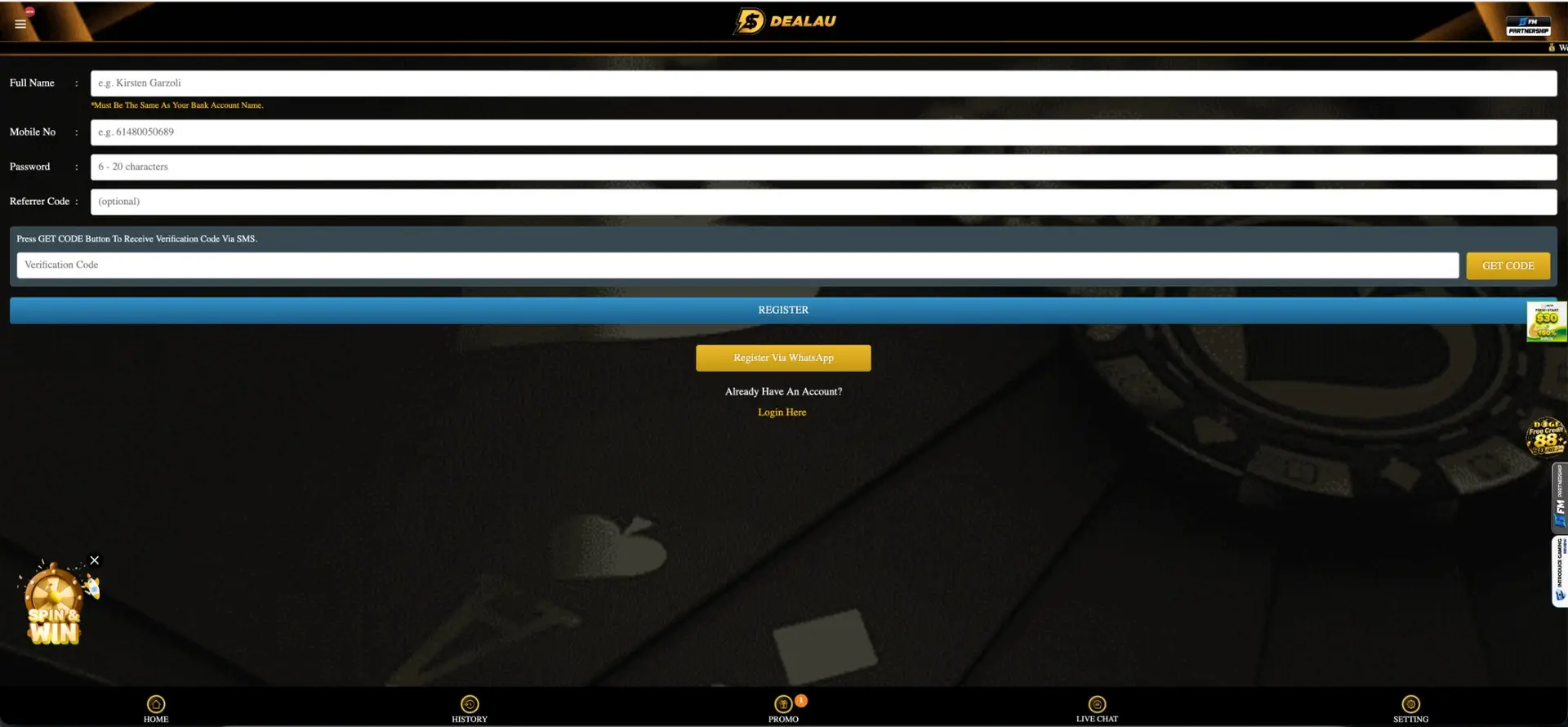
If you do not have a profile yet, you can create one in a couple of minutes using your mobile number. After registering you can log in straight away and make a first deposit from AUD 10.
- Tap Register and enter your full name, matching your bank account name.
- Enter your mobile number and a password of 6–20 characters.
- Add a referrer code if you have one (optional).
- Tap Get Code, enter the SMS verification code and submit.
Forgot password
If you cannot remember your password, you can reset it from the login screen. The reset is linked to your registered mobile number.
- On the login screen, tap Forgot Password.
- Enter the mobile number linked to your account.
- Follow the verification step sent to your number.
- Set a new password and log in with it.
Login on mobile and app
Dealau login works the same on the Android app and the mobile browser as it does on desktop. On Android you can install the app from Google Play, while iPhone users log in through the browser.
- Open the app or the site in your mobile browser and tap Login.
- Add a home-screen shortcut for faster access on iOS.
- Use a stable connection when loading live games after login.
Safe login tips
To keep your Dealau account secure, a few habits help prevent unauthorised access:
- Use a strong password that you do not reuse elsewhere.
- Do not stay logged in on shared or public devices.
- Never share your login details with anyone.
- Check you are on the official Dealau site before entering details.
Login problems and how to fix them
If login does not work first time, the cause is usually the credentials, the SMS verification or an account detail. The most common situations and fixes are below.
Wrong mobile number or password
Check that your mobile number is entered correctly and that your password uses the right characters. If it still fails, use Forgot Password to reset it from the login screen.
Verification issues
If you are registering or verifying and the SMS code does not arrive, wait a moment and request a new code with Get Code. Make sure your mobile number is entered in the correct format before requesting the code.
Account or bank-name issues
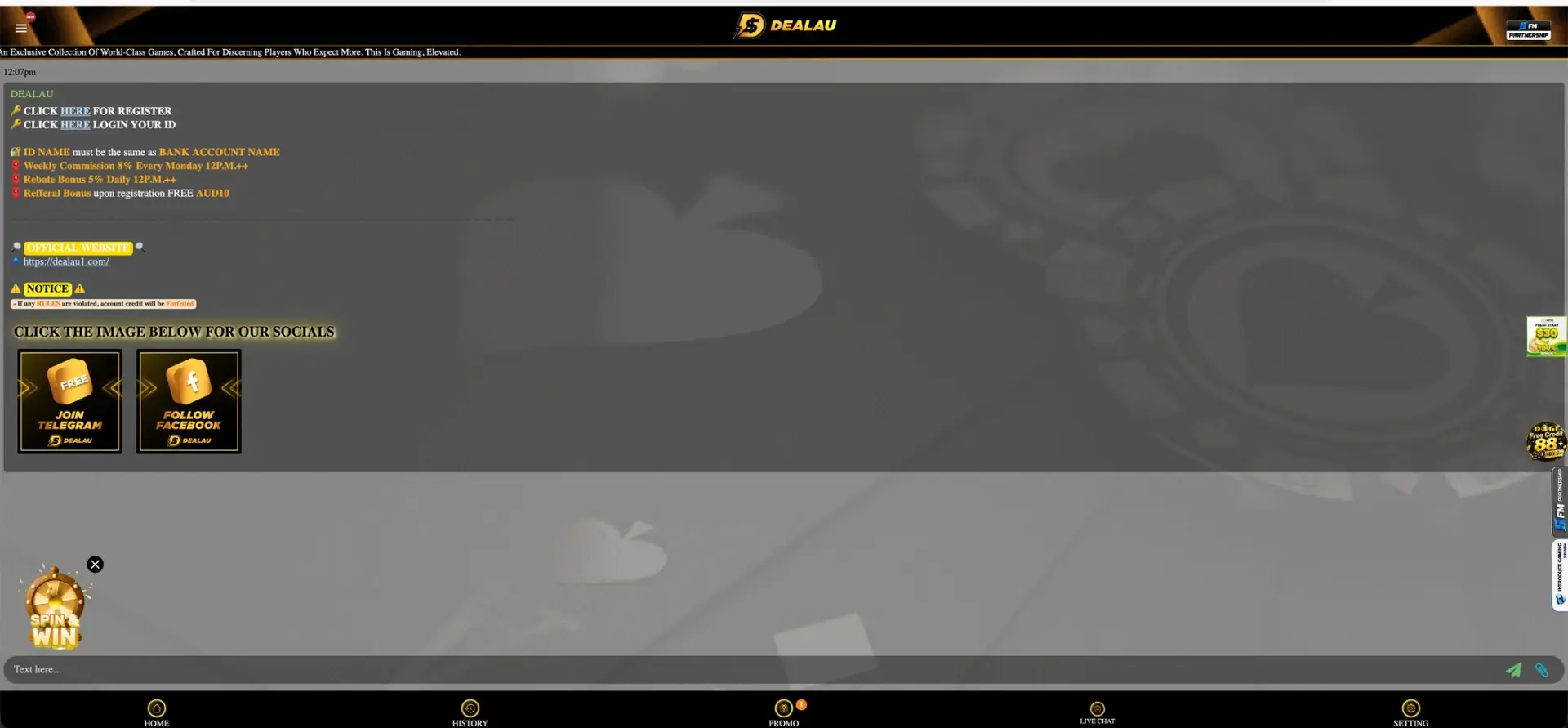
Because your account name must match your bank account name, a mismatch can hold up withdrawals even when login works. If you see an account restriction or a message about your details, contact live chat, which is available 24/7 to help resolve it.
What you can access after login
Once you are signed in, your account area gives you full control of your play. The main sections are:
- Your AUD balance and the deposit and withdraw buttons.
- Your active bonuses and free-credit claims.
- Your VIP tier, monthly and birthday rewards.
- The full lobby: pokies, live games, sports and mini games.
Frequently asked questions about Dealau login
Below are the questions players ask most often about signing in to Dealau.
How do I log in to Dealau?
Tap Login, enter your mobile number or username and your password, then tap Login. It works the same on the website, the Android app and the mobile browser.
What do I do if I forget my password?
On the login screen, tap Forgot Password, enter your registered mobile number and follow the verification step to set a new password.
Can I log in on the app?
Yes. You can log in through the Android app from Google Play or, on iPhone, through the mobile browser. Both use the same mobile number and password.
Why can't I log in?
Check your mobile number and password, request a fresh SMS code if verifying, or contact live chat. A mismatch between your account name and bank account name can also cause account issues.
Is Dealau login secure?
Login runs over a secured connection, and Dealau lists security partners iovation and ThreatMetrix. Use a strong password and log out on shared devices for extra safety.
What login details do I need?
You log in with the mobile number or username and password you set at registration. Passwords are 6–20 characters.